What You're Building
A cloud platform makes one thing feel like magic: you hand it a repository, and a minute later there is a URL, a running process, logs, and a green health check. You never touched a machine. That convenience is the whole product — and the reason you pay for the hardware at a markup, and the reason the keys stay on someone else’s ring.
This book takes that magic apart and rebuilds it on machines you control. Not a toy, and not a diagram of one: a real platform-as-a-service that takes a compose file, a git repository, or a bare image, and turns it into a deployed, routed, health-checked, scalable service — the same loop a cloud runs, on your own hardware. Before you build any of it, it helps to see the finished machine. Everything below is the actual application, driven and captured at the exact commit this book is pinned to. No mockups.
1.1 The front door
Every platform starts at a login, because the thing it guards is dangerous: the power to run arbitrary code on your machines. The first screen is deliberately plain — a way in, and nothing else on the page to distract from the fact that what is behind it is a control plane.
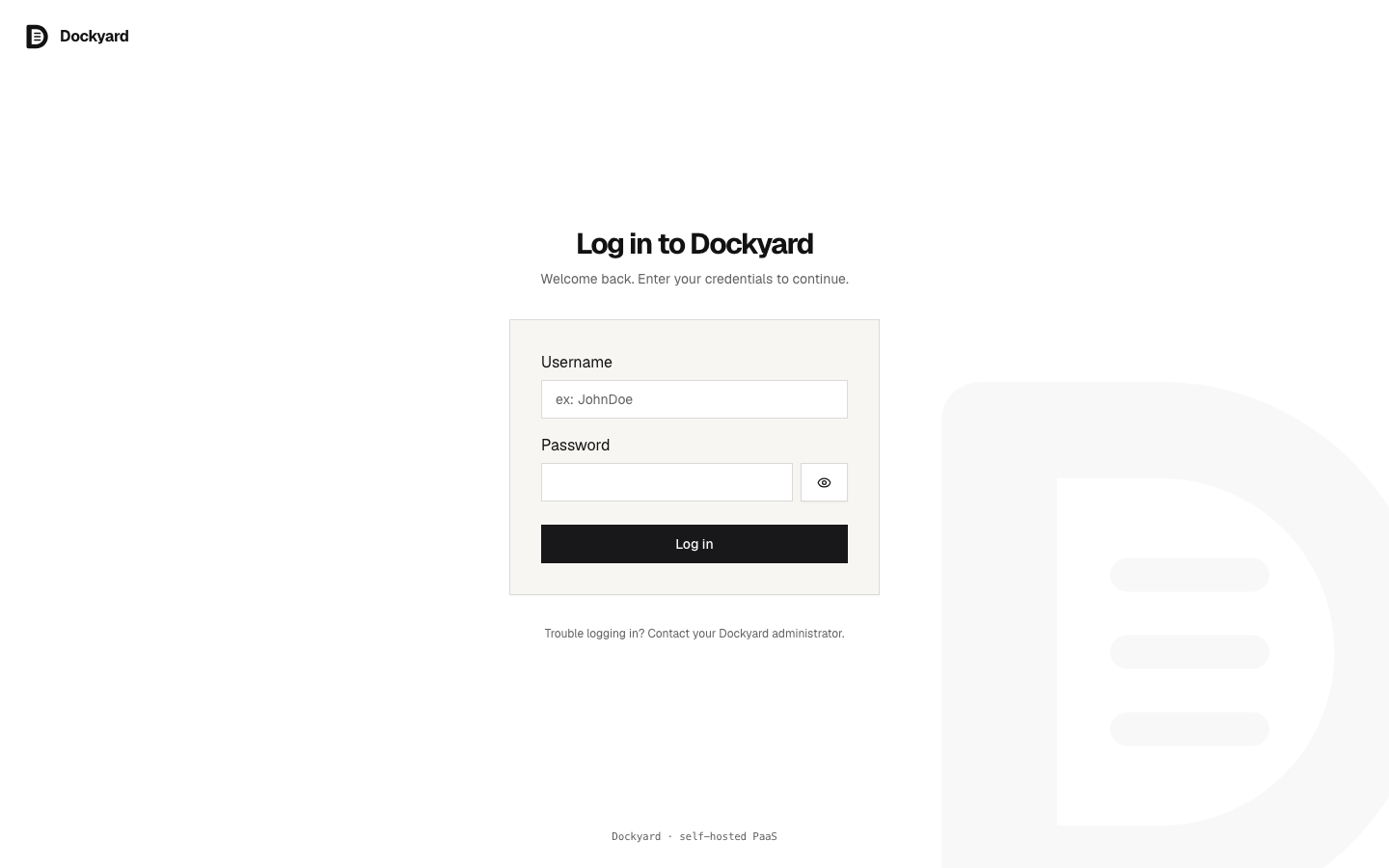
ebb760bThere is no sign-up flow here worth showing off. A self-hosted platform has exactly one first user — you — created once at setup, and after that the door stays shut. That single decision, made early, is why the rest of the system can assume every request behind this page is already trusted.
1.2 The whole yard
Sign in and you land on the yard: every service you run, on one page. This is the screen the whole book builds toward — the moment a pile of containers on scattered machines becomes one thing you can see and reason about.
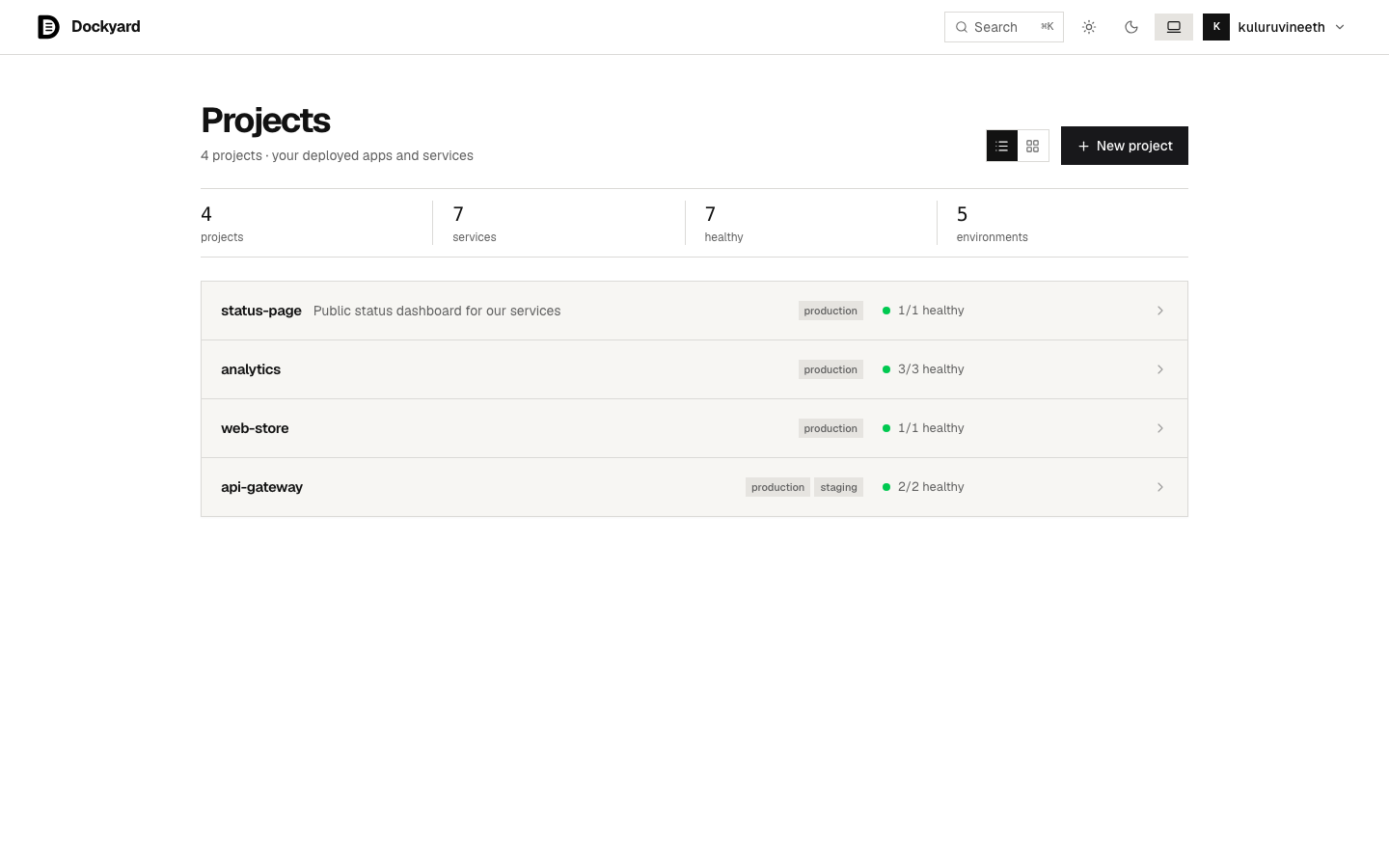
ebb760bRead what it is actually telling you. Each project groups the services that ship together; each service carries its own health, its own environment, its own history. The counts across the top are not decoration — they are the platform answering the only question that matters at a glance: is everything that should be up, up? Seven services, seven healthy. When that second number drops below the first, this page is where you find out before your users do.
1.3 A living environment
Open a service and you reach an environment — a single running deployment, with a real URL, a live health status, and the controls to change it.
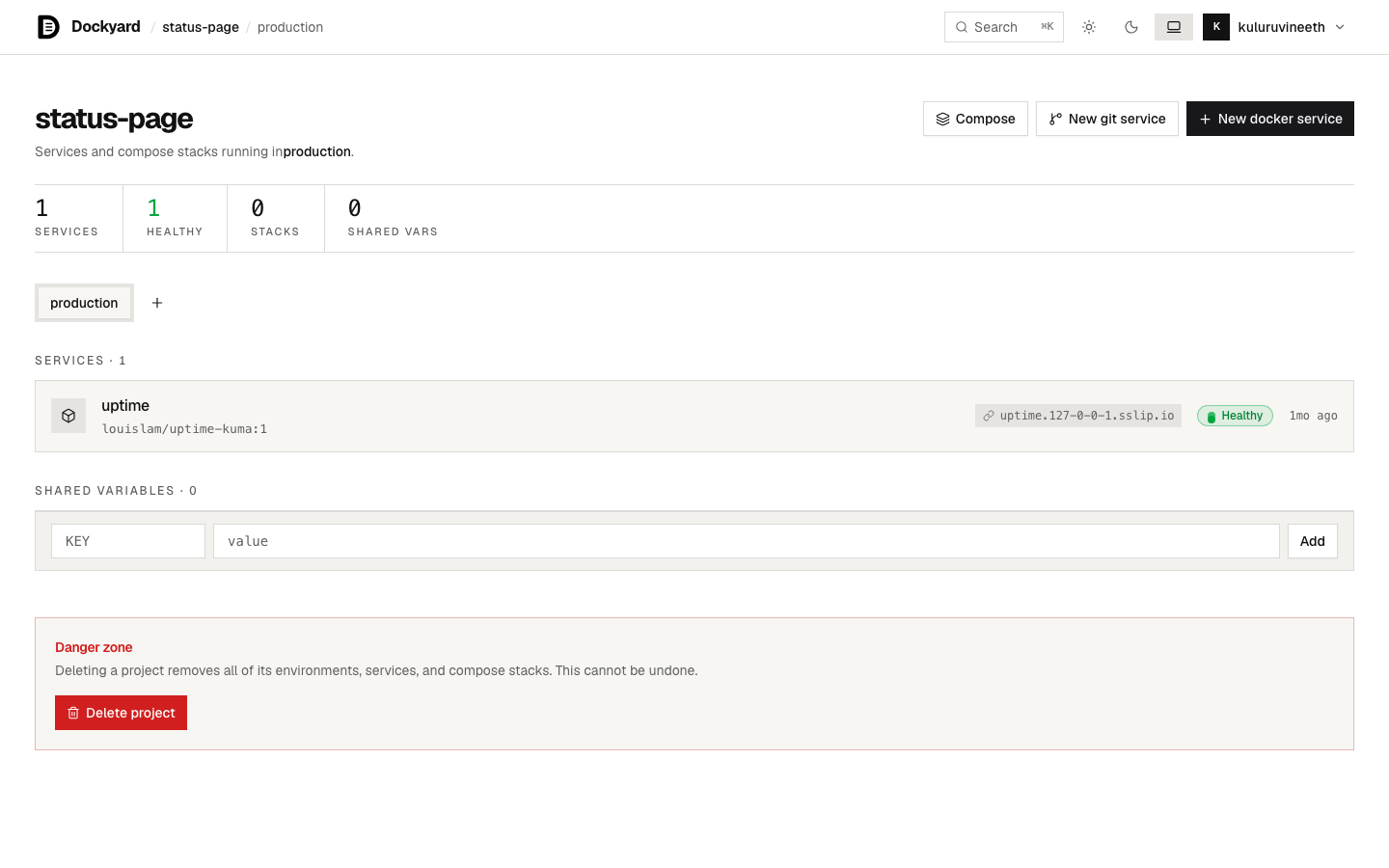
ebb760bThis is the payoff of the whole deploy loop: something you shipped is reachable at an address, the platform is watching it, and if it falls over the platform knows. Under this one calm screen is the machinery the rest of the book is about — the deploy that produced it runs as a durable workflow, so a crashed worker resumes instead of leaving you with a half-deployed service; the URL is handed out by a router you also build; the health check is a loop that never stops. You will build each of those, and then this screen will not be a screenshot to you — it will be output.
1.4 What the book builds
Those three screens are the shape of the finished machine: a door, a yard, a living service. The chapters ahead build the machine behind them, one capability at a time — the deploy loop that turns a compose file into a running service, the router that gives it a URL, the durable workflows that make a deploy survive a crash, the health checks and limits and volumes under the waterline, and a terminal that reaches into a running container from the browser.
You are not reading about a platform someone else runs. You are building the one in these screenshots, on machines you control. That is the next box: the deploy loop — how a compose file becomes a service the yard can show.